

sat gr
BH Lover
Here is one guide for who to organize your Black Hole Green Panel with your most used plugins first in the plugins list
1. Green button
2. Red button (Panel Setup)
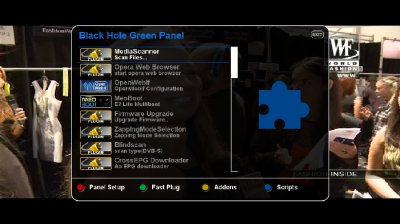
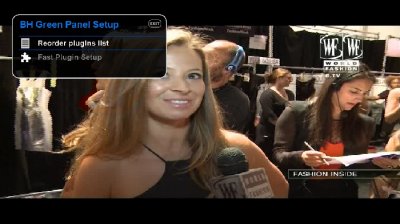
3. Reorder plugins list
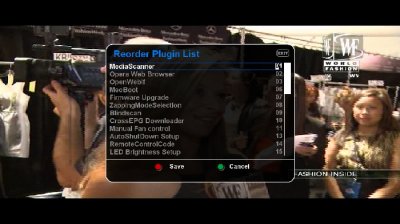
now with up/ down buttons we can move to our plugin and with number buttons we give the number for shown in list (01 if we want it first in the list)
for example:
if i want add Meoboot first in the list i change Media Scanner from 01 to 06
and Meoboot from 06 to 01
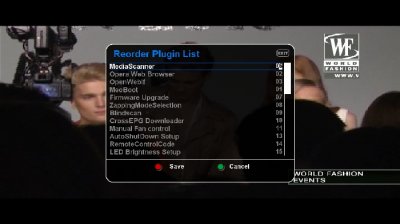
we continue with other plugins us we like and in the end we press Red button for Save
Basic Note : do not use same numbers for two or more plugins
Done my Green Panel after move Meoboot first in list
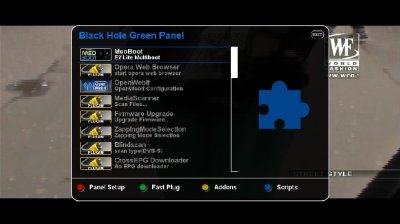
Tutorial from sat gr for Black Hole Team
