
Install the app
How to install the app on iOS
Follow along with the video below to see how to install our site as a web app on your home screen.
Note: This feature may not be available in some browsers.
This board is now closed. The Blackhole image ended in 2020.
The board will remain available in Read Only Mode, so all the posts from the last 15+ years are not lost.
We thank you for being part of the community for the last 15+ years.
You can join the OpenBh board if you have not already done so at www.openbh.net.
You are using an out of date browser. It may not display this or other websites correctly.
You should upgrade or use an alternative browser.
You should upgrade or use an alternative browser.
Loading...
- Thread starter DukeNukem
- Start date

angelofsky1980
BlackHole Driver Specialist
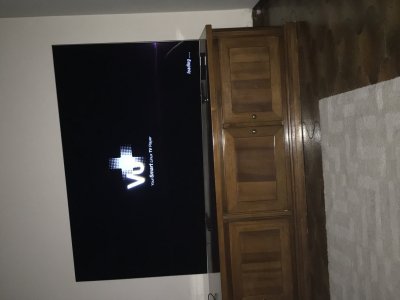
Try with another USB flash drive or an USB flash drive lesser big.
Another info: disconnect all other USB devices, if present.
Please read the forum rules:
https://www.vuplus-community.net/rules.html
4) Discussions regarding, pedophilia, pornography, piracy (keys, emulators, card sharing,
softcams, serial, crack warez) and to any debate illegal under existing laws are not allowed.
Recall also that it is illegal to reproduce your subscription to any Sky decoder IC that
has not paid the royaltes to NDS Group plc.
In order to prevent any discussion about the possible unlawful use of the receivers, it's forbidden
any debate about the smartcard reading and encoding systems.
https://www.vuplus-community.net/rules.html
4) Discussions regarding, pedophilia, pornography, piracy (keys, emulators, card sharing,
softcams, serial, crack warez) and to any debate illegal under existing laws are not allowed.
Recall also that it is illegal to reproduce your subscription to any Sky decoder IC that
has not paid the royaltes to NDS Group plc.
In order to prevent any discussion about the possible unlawful use of the receivers, it's forbidden
any debate about the smartcard reading and encoding systems.

AlexWilMac
Moderator
If I were you, I wouldn't buy the new "black" one. I've got Gold and there are only a couple of useless channel it can't get. Plus other limits, by the black one... 