This board is now closed. The Blackhole image ended in 2020. The board will remain available in Read Only Mode, so all the posts from the last 15+ years are not lost. We thank you for being part of the community for the last 15+ years. You can join the OpenBh board if you have not already done so at www.openbh.net.

OpenBH 5.0 change Program color

zakus81

Vu+ Newbie
Hi,

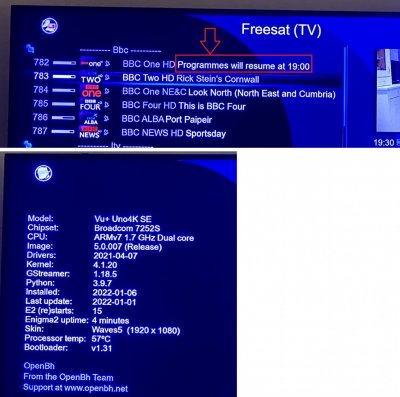
Is there a way to change to program details (see attached picture) in different color (e.g. Yellow) ?

Thanks,
 

Attachments

  • IMG_4812.jpg
    IMG_4812.jpg
    195.3 KB · Views: 28
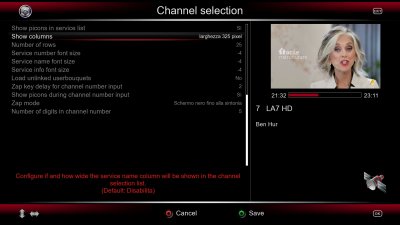
No, but if you had looked at the "Configuration" in the channel list (pressing MENU after having recalled the channel list itself), you would have noticed the option
Show columns
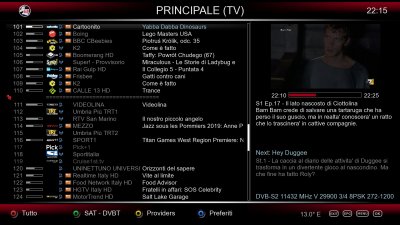
where you can set its width. Try, for instance, 325 pixels and the result will be much better and clearer than yours...
 

Attachments

  • Channel-list-columns.jpg
    Channel-list-columns.jpg
    266.5 KB · Views: 19
  • Channel-list-columns-view.jpg
    Channel-list-columns-view.jpg
    472.2 KB · Views: 20
Back
Top