
@angelofsky1980
As requested, I am opening a new thread, although I did report this problem 1 month ago (along with @remek3333)
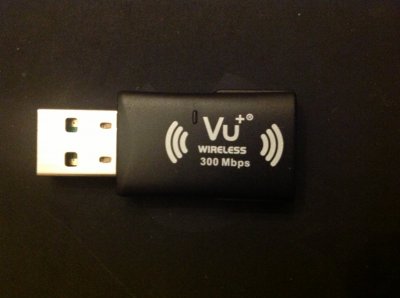
attached the picture of the dongle (which I did already post) and the wifi.txt diagnostic file.
As requested, I am opening a new thread, although I did report this problem 1 month ago (along with @remek3333)
attached the picture of the dongle (which I did already post) and the wifi.txt diagnostic file.

 ff Fragment thr

 ! Don't use DHCP, set your IP to 192.168.1.200 (example, but should be ok for you), Netmask 255.255.255.0, Gateway 192.168.1.1 (should be your router default IP), activate configuration, set first DNS to 192.168.1.1 (same as your router), second DNS you can leave 0.0.0.0.